




Quick answer: The best photo book depends on what it’s for. A layflat hardcover album is best for weddings and milestone gifts because it prints two-page spreads without losing detail into the spine. A softcover or standard hardcover photo book is best for everyday memories and travel. A baby book is best for first-year growth records. What actually separates a good photo book from a forgettable one is paper weight, binding type, and how well the editor handles your photos — not the number of templates on offer. This guide walks through exactly how to judge each of these, then shows you how to create one in under 15 minutes with Tinyko’s photo book maker.
If you’ve searched “best photo book” or “how to create an album,” you’ve probably seen the same generic advice everywhere: upload photos, pick a template, done. That’s technically true, but it skips the part that actually determines whether you’re happy with the finished book eight months from now. This guide covers that part.
Table of Contents
- 1. What Actually Makes a Recommended Photo Book “Good”
- 2. Photo Book vs. Album vs. Yearbook — What’s the Real Difference?
- 3. Step-by-Step: How to Create a Photo Book or Album
- 4. Paper, Binding, and Size — The Decisions That Actually Matter
- 5. Best Photo Book Types by Occasion
- 6. Common Mistakes That Ruin a Photo Book
- Turn Your Photos Into a Book You’ll Actually Keep
- FAQ’s About Photo Books and Albums
- Your Memories Deserve More Than a Camera Roll
- Related Products You May Also Like
1. What Actually Makes a Recommended Photo Book “Good”
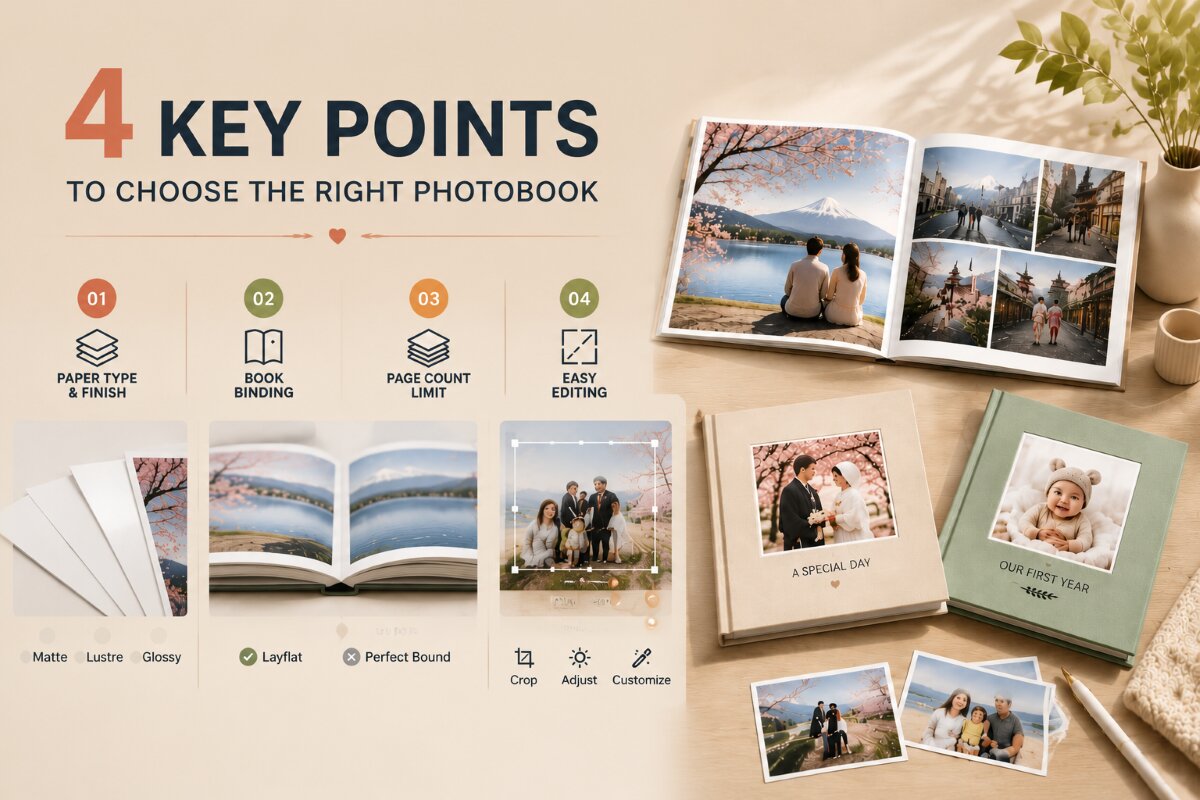
Most advice on this topic focuses on price or template count. Neither tells you much about the finished object in your hands. Four factors consistently separate a photo book people are proud to display from one that ends up in a drawer:
Paper stock and finish. Matte paper reduces glare and fingerprints and gives a calmer, premium look but slightly mutes vibrant colors. Glossy or luster paper punches up saturation and suits color-heavy photography but shows smudges more easily. Paper choice also affects long-term print stability — the Image Permanence Institute publishes independent research on how paper stock and finish affect how well a printed photo resists fading and handling damage over time, which is worth understanding before choosing a finish for a keepsake you want to last decades.
Binding type. Layflat (imagewrap) binding lets a two-page spread print as one continuous image with no loss into the gutter — essential for wedding photos, group shots, and panoramas. Standard perfect-bound books are more budget-friendly and work fine for everyday albums, but a photo spanning the center fold will lose faces and detail into the spine.
Page capacity. A 20-page minimum sounds generous until you’re trying to fit a full trip or a year of milestones — check the maximum page count for your chosen size before you commit.
Editor usability with your actual photos. A good photo book tool should let you fine-tune crops and layout rather than forcing an aggressive auto-crop that cuts off faces or details – especially important for smartphone photos shot in varying aspect ratios.
Tinyko’s hardcover, softcover, and layflat photobook options are each printed on luster silk paper and let you fine-tune every layout manually before ordering, so none of these four factors are left to guesswork.
2. Photo Book vs. Album vs. Yearbook — What’s the Real Difference?
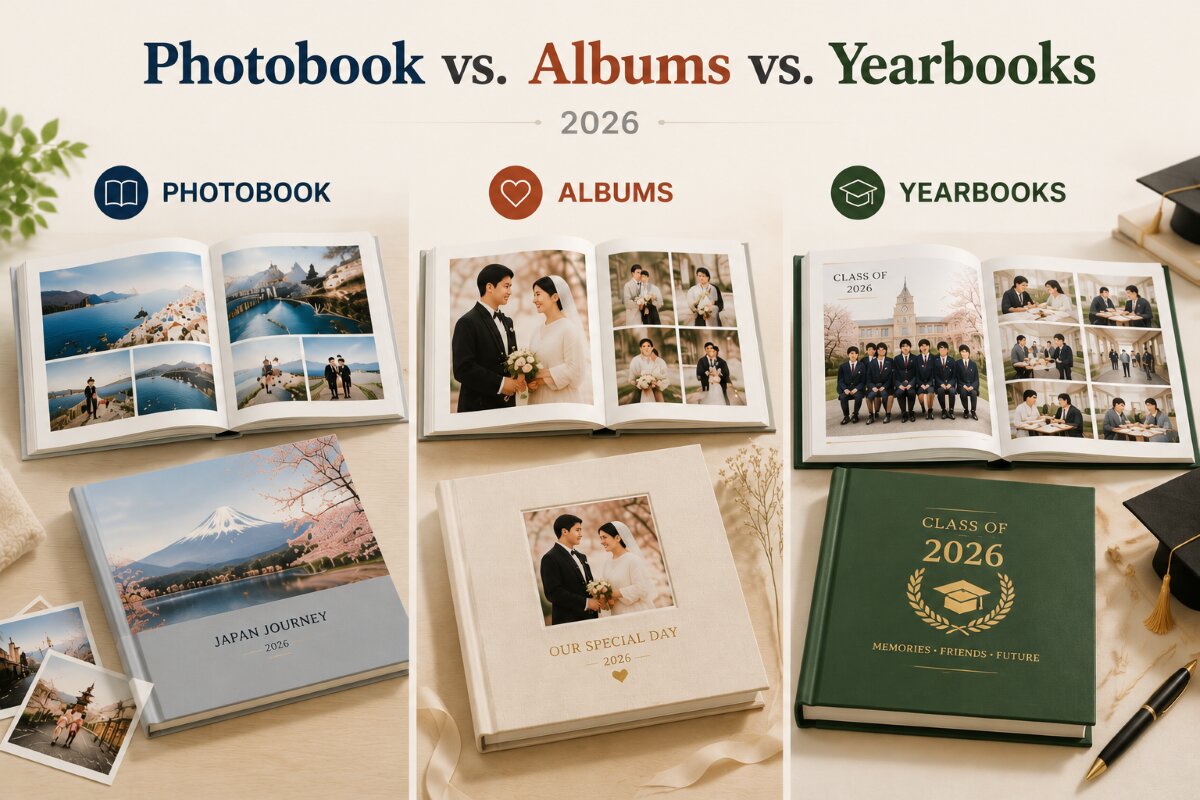
These terms get used interchangeably, which is exactly why people end up disappointed with what arrives. Here’s the actual distinction:
| Format | Best for | Typical binding | Typical page count |
| Photo book (フォトブック) | General memories, travel, birthdays | Softcover or hardcover, perfect-bound | 20–100 pages |
| Album (アルバム) | Weddings, milestone gifting, display pieces | Hardcover, often layflat | 20–140 pages |
| Baby book | First-year records, growth milestones | Hardcover or softcover | 20–100 pages |
| Yearbook | Schools, classes, graduating cohorts | Hard or soft cover, layflat binding for bulk orders | Custom, bulk pricing |
If you’re specifically searching for “album作成” (create an album) rather than “フォトブック”, you’re very often thinking about a wedding or gift album with a more premium, display-quality finish — which is why layflat binding matters more for that intent than it does for a casual travel photo book. Tinyko’s wedding books (placeholder URL — please confirm) and layflat photobook album are built around exactly this use case.
3. Step-by-Step: How to Create a Photo Book or Album
Pick the occasion first, size second. Start from what the book is for — a wedding, a baby’s first year, a trip, or a school milestone — because the occasion determines binding and paper needs before it determines dimensions.
Sort before you upload. Cull ruthlessly. A 100-page book with 40 mediocre filler photos looks worse than a 40-page book with 40 great ones. Aim for one strong photo per spread rather than several small ones competing for attention.
Choose layflat binding if any photo spans two pages. This is the single most common mistake — panoramic shots and posed group photos lose faces and detail into the spine gutter on standard binding.
Use consistent white space. Templates with heavy borders and clip art age badly. A cleaner grid with generous margins reads as more premium and holds up over time.
Add short captions, not paragraphs. A date, a place name, or a single sentence is enough — it turns a photo dump into a story without cluttering the page. Basic photo composition and storytelling principles — like leading with your strongest image on a spread and letting whitespace do some of the work — translate directly into stronger page layouts.
Review the proof before final checkout. For a wedding or milestone gift, review your layout carefully in the preview before ordering, especially for your first layflat order.
Start building directly at Tinyko’s photobook section, where hardcover, softcover, layflat, baby, wedding, and yearbook formats are all available from a single editor.
4. Paper, Binding, and Size — The Decisions That Actually Matter
- Luster silk paper (used across Tinyko’s hardcover and softcover lines) balances color accuracy with a soft, non-glare finish — a safe, versatile default for most books.
- Softcover is the budget-friendly, casual choice — good for everyday memory books and less suited as a standalone gift.
- Hardcover signals permanence and is the expected standard for weddings, baby books, and yearbooks.
- Layflat/imagewrap is worth the premium specifically when spreads cross the center fold — otherwise standard binding performs identically for a lower price.
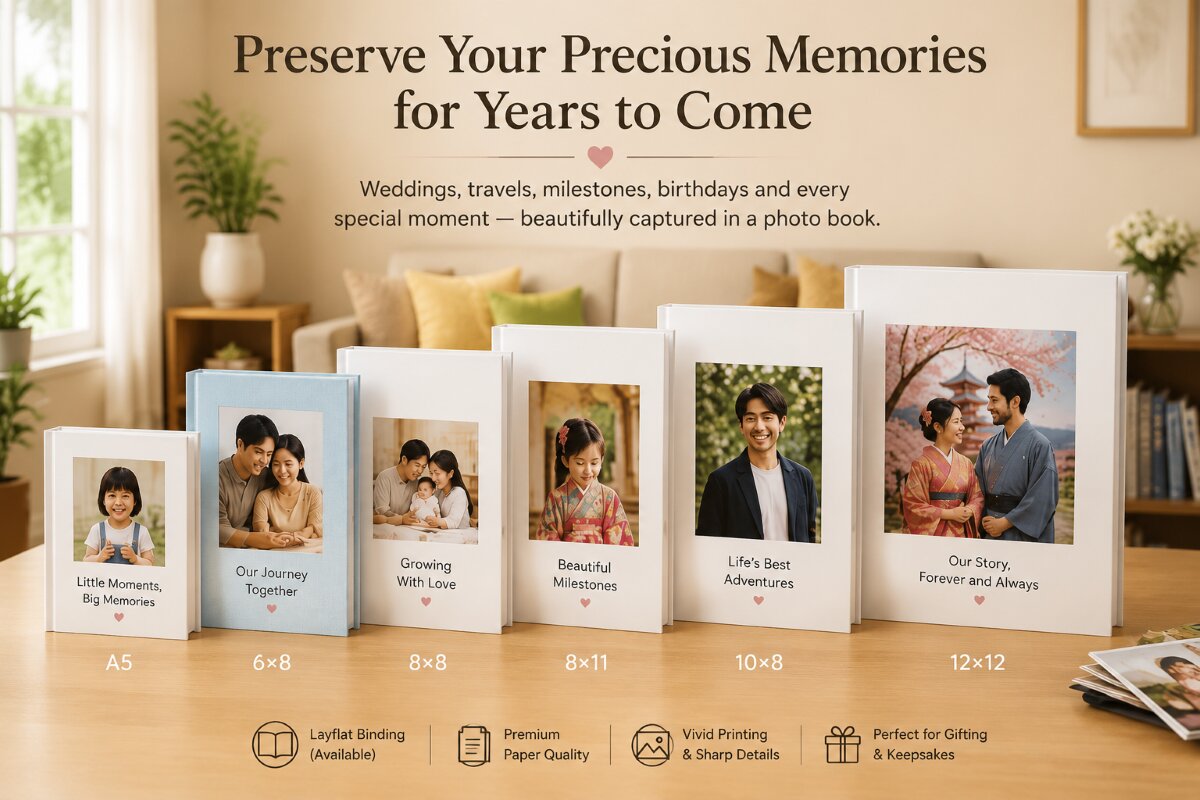
- Size and page limits vary by format: for example, Tinyko’s hardcover books start at a 10-sheet (20-page) minimum, with 6×6, A5, and 10×8 sizes supporting up to 40 pages and 6×8, 8×8, 8×11, and 12×12 sizes supporting up to 100 pages — so check the page ceiling for your chosen size before you start uploading.
5. Best Photo Book Types by Occasion
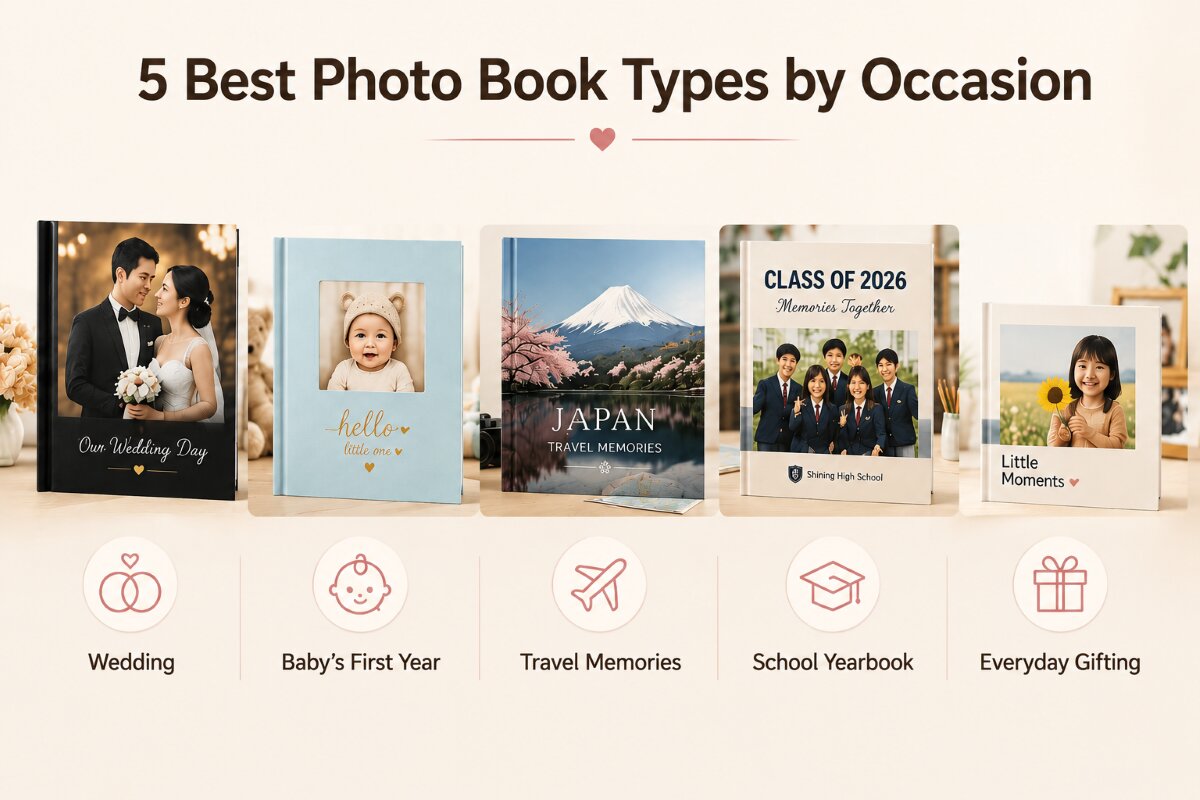
- Wedding: Hardcover, layflat binding, premium paper, 40+ pages — see Tinyko’s wedding books (placeholder — please confirm)
- Baby’s first year/growth record: Hardcover or softcover, 20–100 pages, matte or luster finish for frequent handling — see Tinyko’s baby books
- Travel: Softcover or standard hardcover, for color-rich landscapes — see Tinyko’s travel photo books (placeholder — please confirm)
- School/class yearbook: Layflat binding for bulk-printing consistency, hard or soft cover depending on budget — see Tinyko’s yearbooks (placeholder — please confirm)
- Everyday gifting: Softcover, smaller square formats (6×6), budget-friendly and fast to produce
6. Common Mistakes That Ruin a Photo Book
- Uploading unsorted camera-roll dumps instead of a curated selection
- Choosing standard binding for photos that span the page fold
- Ignoring page-count limits per size, then having the last third of a trip cut off
- Skipping the final proof/preview step before ordering a large batch as a gift
- Using generic captions or none at all, which makes the book feel like a print job rather than a story
Turn Your Photos Into a Book You’ll Actually Keep
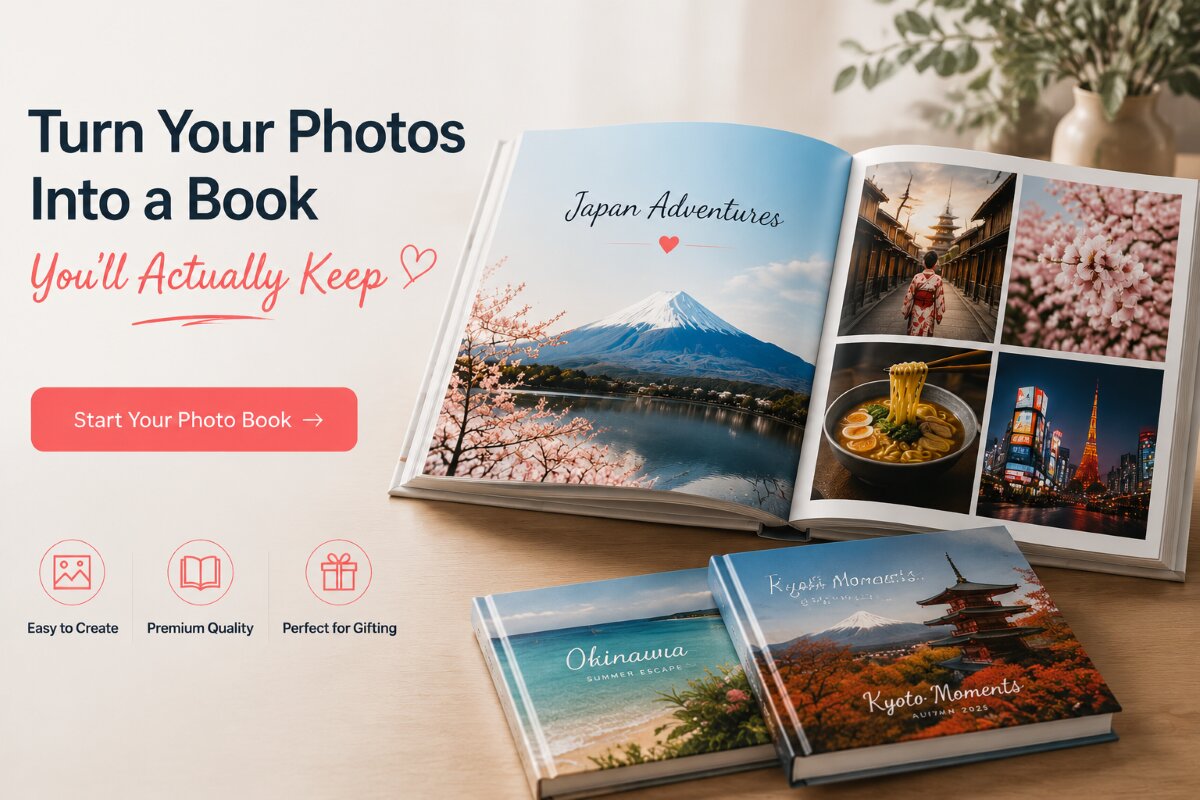
You already have the photos — the only thing between a folder of camera-roll images and a finished, giftable photo book is about 15 minutes and the right format choice. Whether it’s a layflat wedding album, a baby’s first-year record, or a simple travel book, Tinyko’s photo book maker walks you through sizing, paper, and layout so you don’t have to guess.
Start Creating Your Photo Book →
No design experience needed. Choose your occasion, upload your photos, and preview your layout before you order.
FAQ’s About Photo Books and Albums
What’s the best photo book for a wedding gift?
A hardcover album with layflat (imagewrap) binding and premium paper, since it prevents faces and details from being lost into the spine on two-page spreads. Tinyko’s Layflat Photobook Album is built specifically for this.
Is a photo book the same as an album?
Not quite. “Photo book” (フォトブック) usually refers to a general-purpose printed book of photos, while “album” (アルバム) more often implies a premium, display-quality binding meant for gifting or a permanent keepsake, such as a wedding or baby album.
How long does it take to create a photo book?
With a template-based editor and a pre-sorted set of photos, a 20–40 page book typically takes 15–30 minutes to lay out using Tinyko’s online editor.
What paper is best for a photo book?
A luster silk finish is the safest general-purpose choice for most books, balancing color accuracy with a soft, non-glare surface – the standard used across Tinyko’s hardcover and softcover lines.
How many pages can a photo book have?
It depends on size: smaller formats (6×6, A5, and 10×8) typically support up to 40 pages, while larger formats (6×8, 8×8, 8×11, and 12×12) support up to 100 pages. Always check your chosen size’s page ceiling before uploading.
Can I create a photo book online without design experience?
Yes — Tinyko’s photo book maker uses a template-based editor, so you only need to select photos and place them; no design skill is required.
Your Memories Deserve More Than a Camera Roll
Don’t let another year of photos sit unprinted. Build your photo book or album with Tinyko today → Pick a format, upload your favorites, and have something to actually hold in your hands.
Related Products You May Also Like
Looking for more ways to preserve life’s most precious memories?


Be the first one to comment